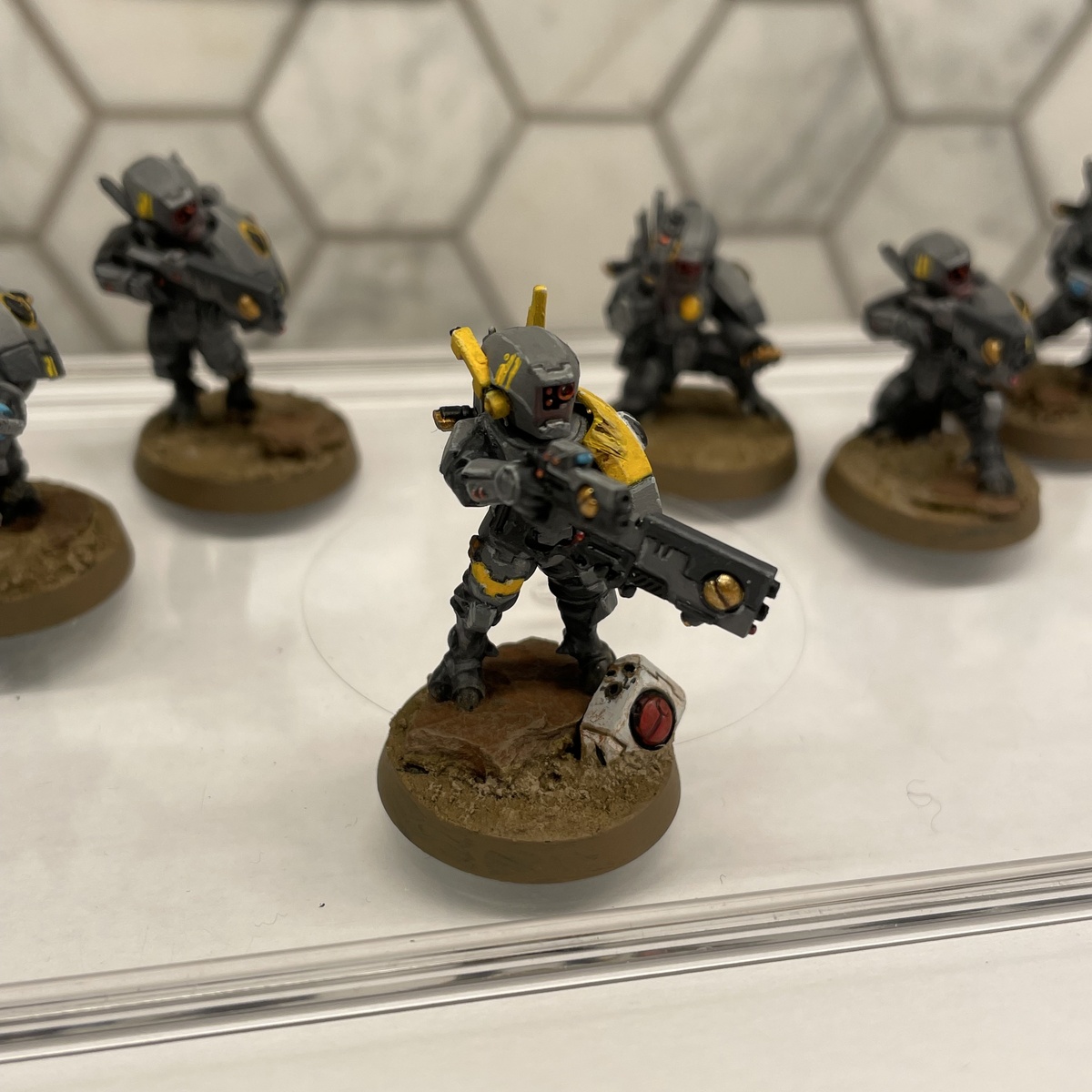
I wanted to give my Commander a bit of flair, so I gave him a shield and the base shield/fire effect from the Twin Lance kit. Here's some of the details on how I painted that.
Could probably be used for shield generators from other factions too, though you may want to leave out the base effect piece.
The shield was inspired by u/Additional_Count_801's Riptide here: https://www.reddit.com/r/Tau40K/comments/1wmrd5m/red_means_fast_2/
Shield Generator
Undercoat and paint the shield as per usual. My Tau are from the Ke'lshan sept, so it's a mainly grey paint scheme, undercoated in Mechanicus Standard Grey . See here for more details: https://paintpad.app/recipes/46237-kelshan-battlesuits.
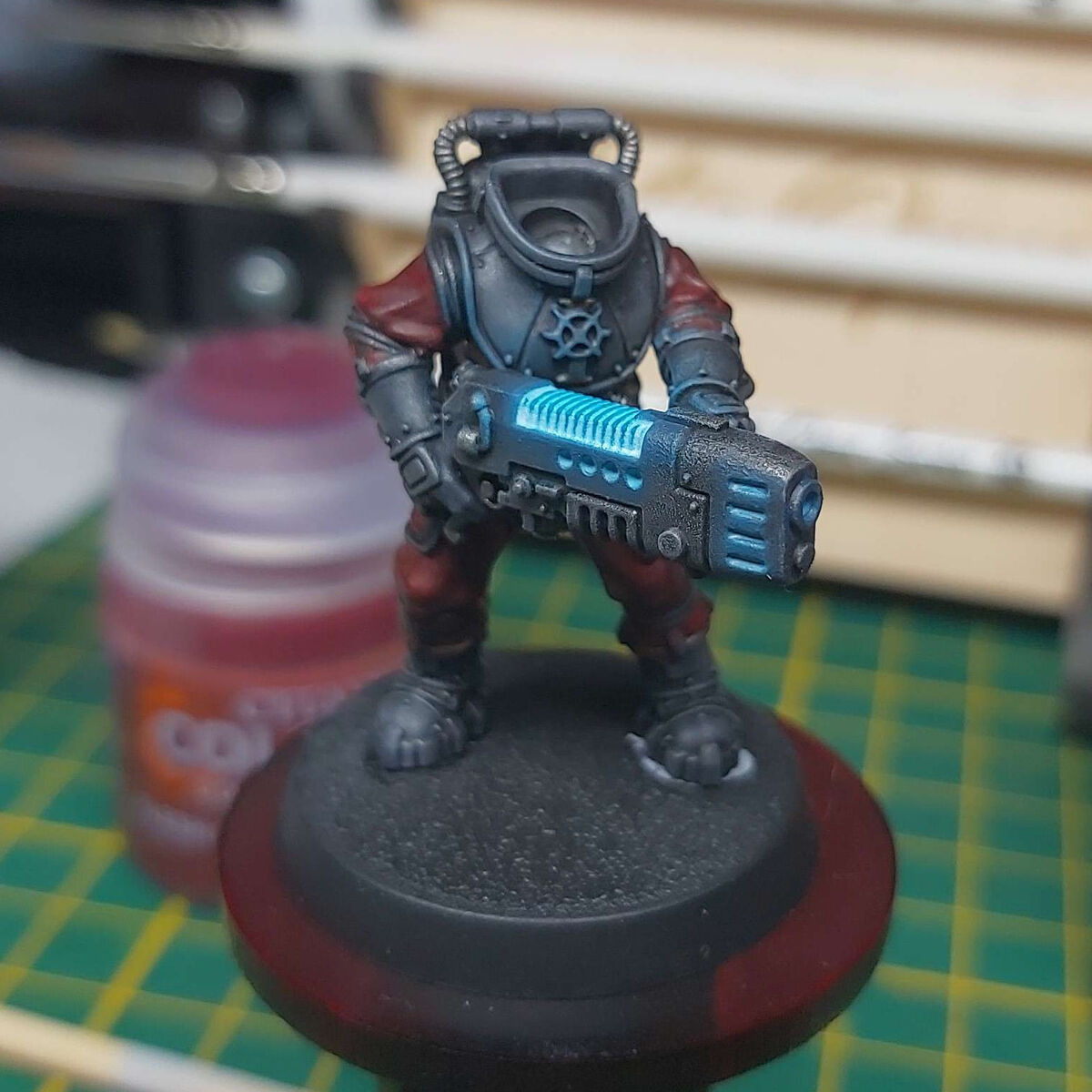
Glow Effect
- Drybrush around all active parts of the shield generator with a mix of Sotek Green / Temple Guard Blue . Be a bit generous on this step
- Once that is dry, drybrush again, a bit less, with Temple Guard Blue . Leave the previous Sotek/Temple mix visible on the outside.
- Drybrush again with Baharroth Blue , leaving the previous steps visible further away from the active generator.
- One final drybrush with a mix of Baharroth Blue / White Scar , staying close to the active generator.
Light Source & Highlights
- Paint all active sources of light with White Scar . This may take several coats.
- Highlight edges immediately beside active light sources with a mix of Baharroth Blue / White Scar
Lightning Arcs
- Paint lightning bolts connecting active parts of the generator with a mix of Baharroth Blue / White Scar . Be sure to get down into cracks in the panels.
- Highlight the middle of the bolts with White Scar
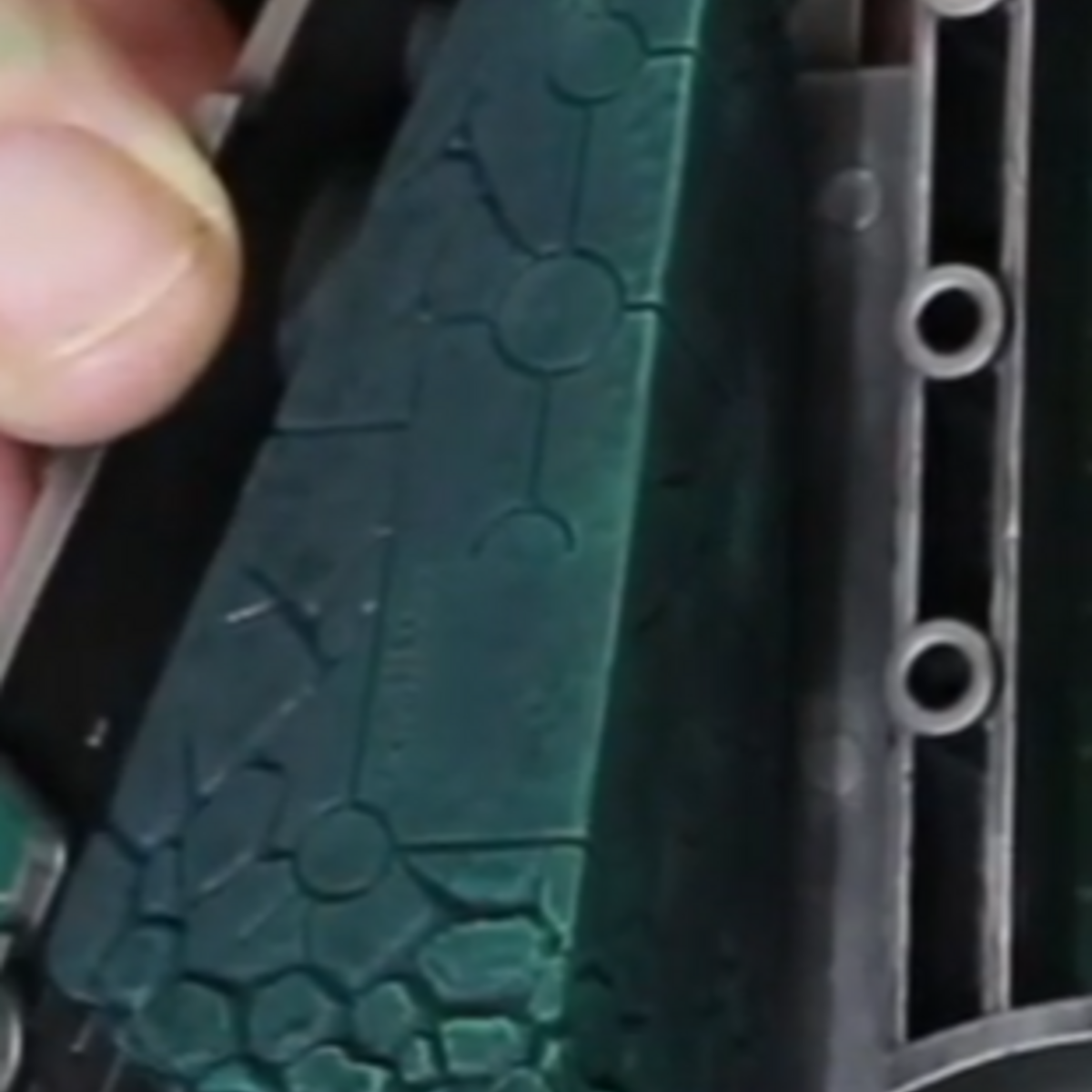
Shield Bubble
- Undercoat with Grey Seer
- Base coat with Sotek Green . (I started with Stegadon Scale Green but that can probably be skipped)
- Layer the whole shield bubble with a mix of Sotek Green / Temple Guard Blue shading to pure Temple Guard Blue at the top. I attempted to wet blend this, with middling success.
- Line the cracks between shield 'panels' with a mix of Sotek Green / Contrast Medium
- Highlight the panel edges with Baharroth Blue
Flames
- Undercoat with Grey Seer
- Base coat with Yriel Yellow
- Layer with Averland Sunset , leaving the previous layer visible at the base of the flames.
- Layer again with Troll Slayer Orange further up the flames (I used Fire Dragon Bright as that's all I had, but Troll Slayer is a better, deeper colour for this).
- Continue layering the top in successively smaller amounts, next with Evil Sunz Scarlet , then Mephiston Red and finally Khorne Red
- Highlight the very tops of the larger flames with Abaddon Black
Citadel Painting System 16
Base 7
- Abaddon Black
- Averland Sunset
- Grey Seer
- Khorne Red
- Mechanicus Standard Grey
- Mephiston Red
- Stegadon Scale Green
Layer 8
- Baharroth Blue
- Evil Sunz Scarlet
- Fire Dragon Bright
- Sotek Green
- Temple Guard Blue
- Troll Slayer Orange
- White Scar
- Yriel Yellow
Technical 1
- Contrast Medium