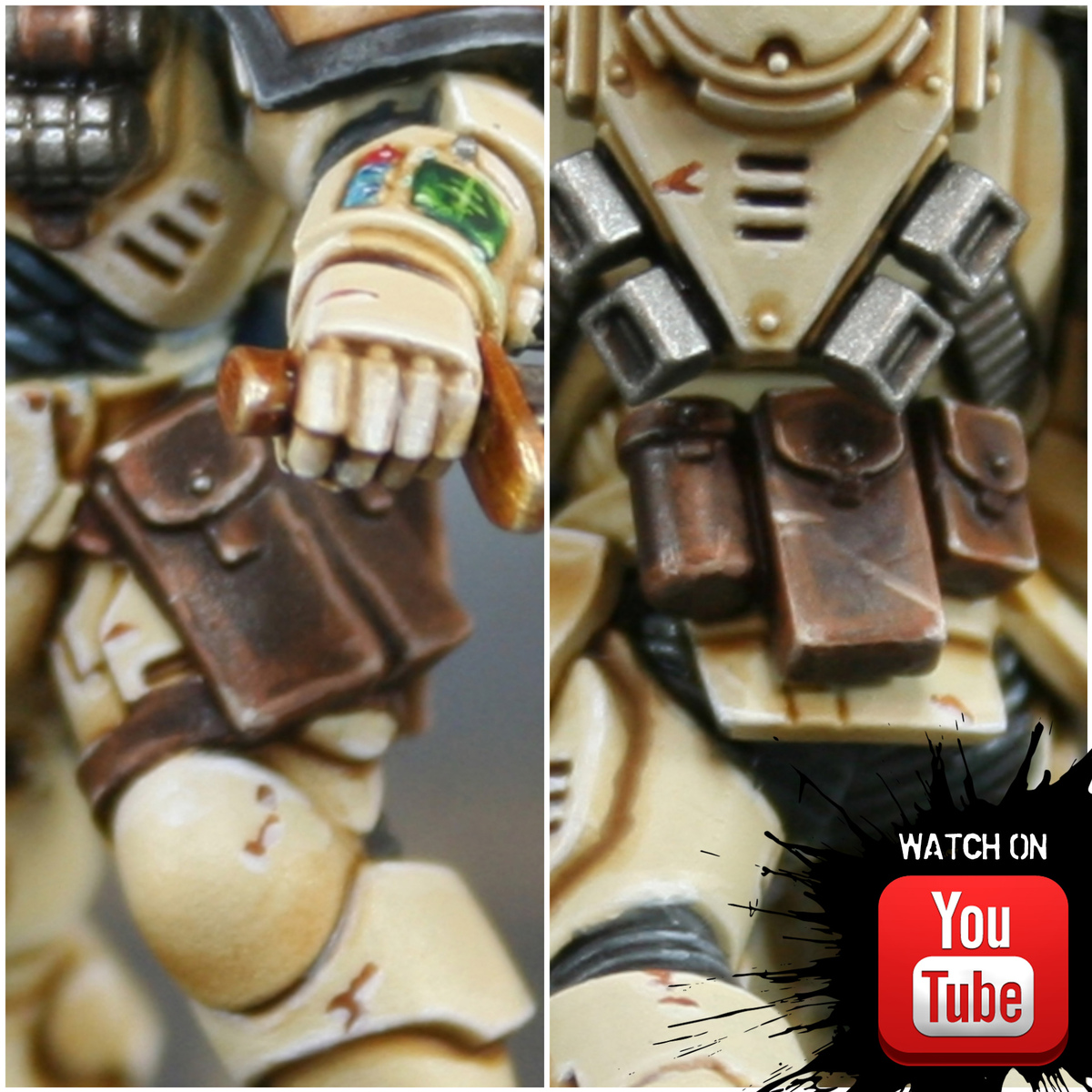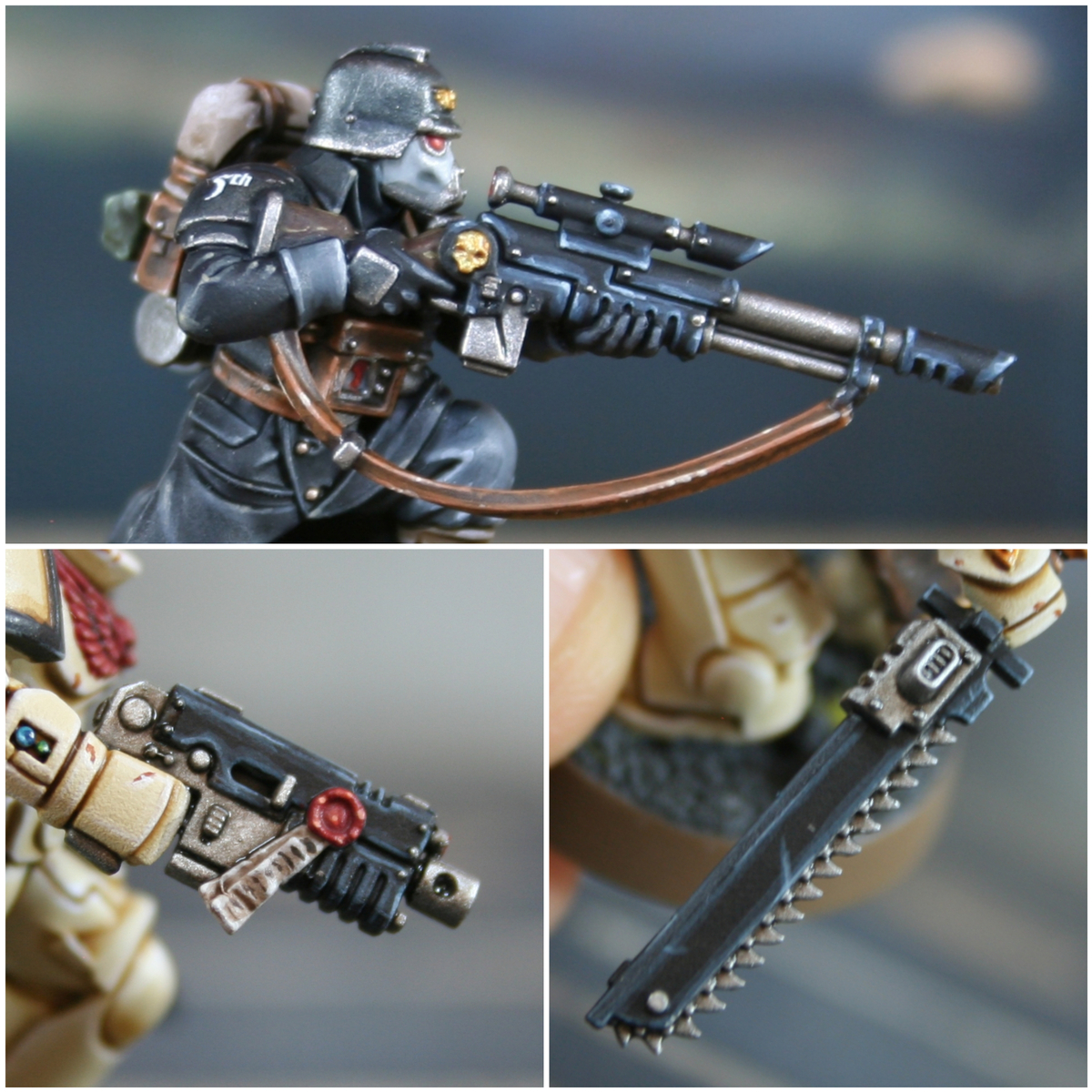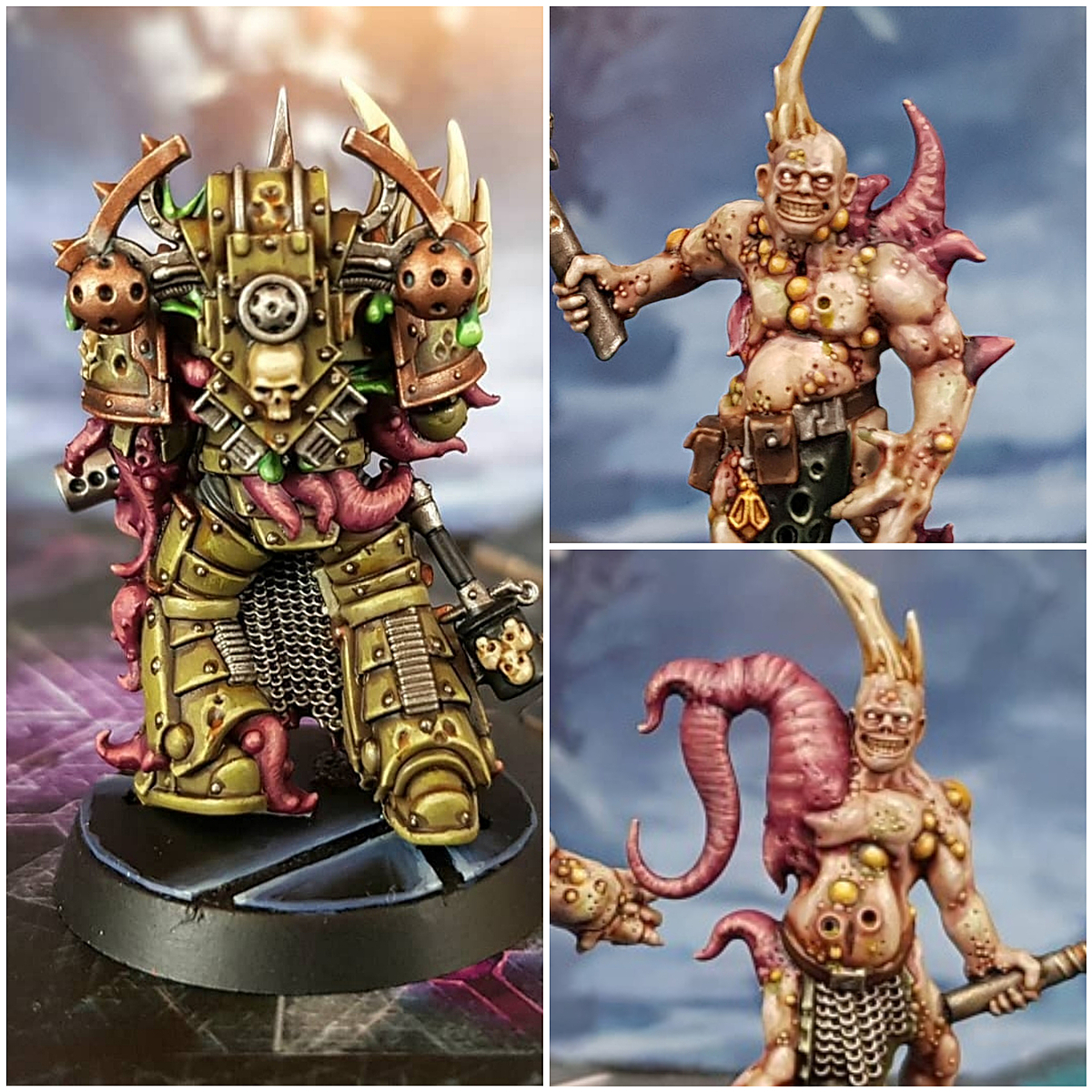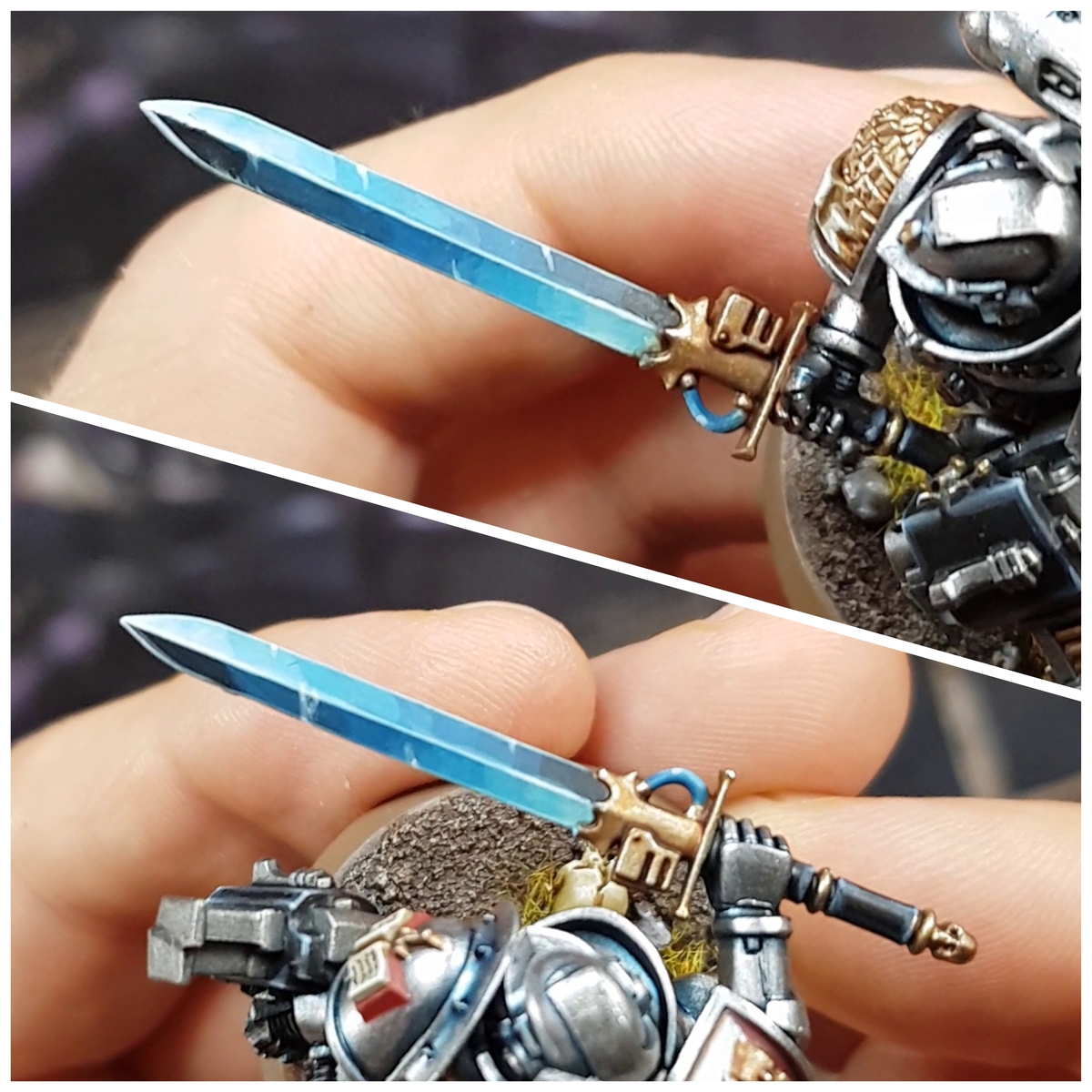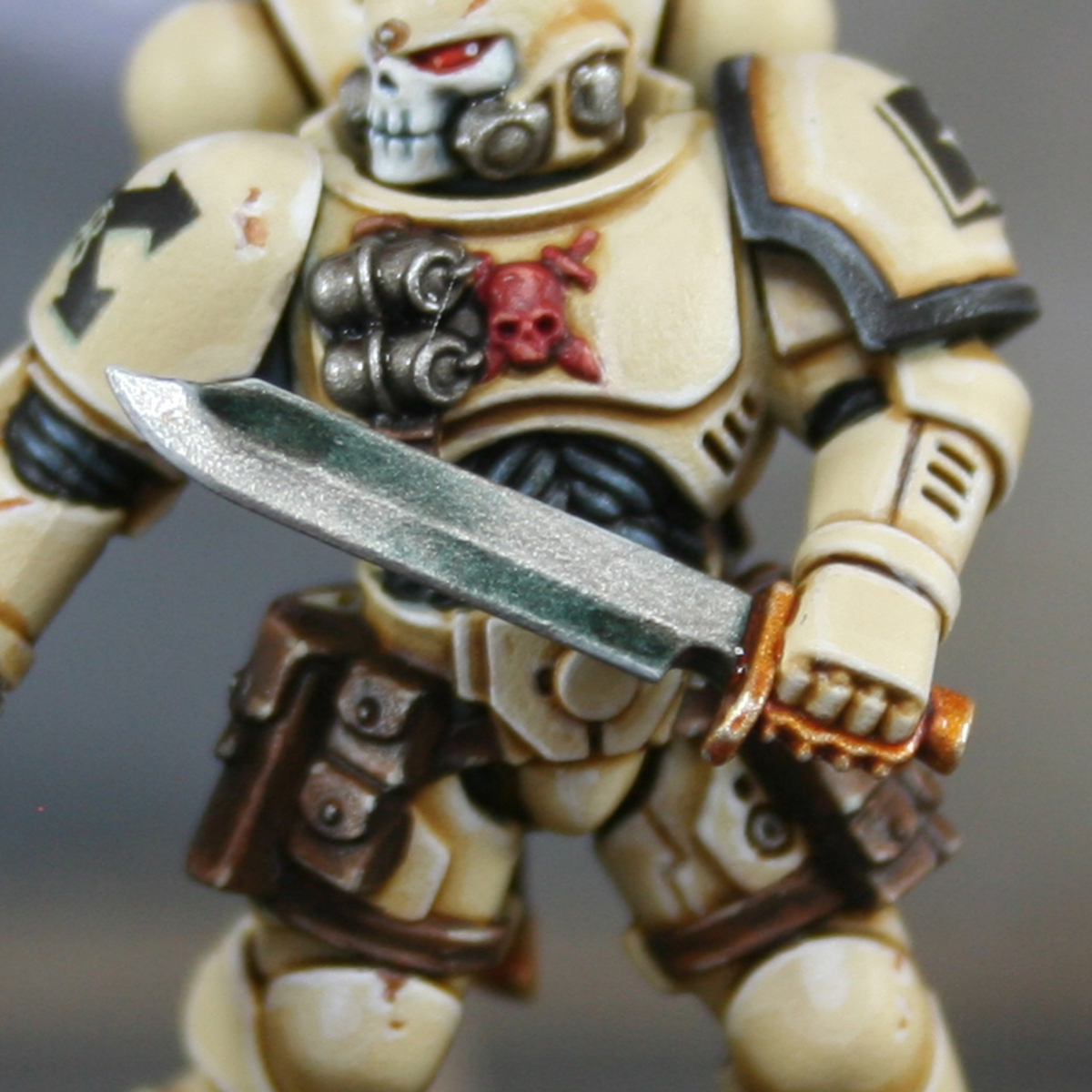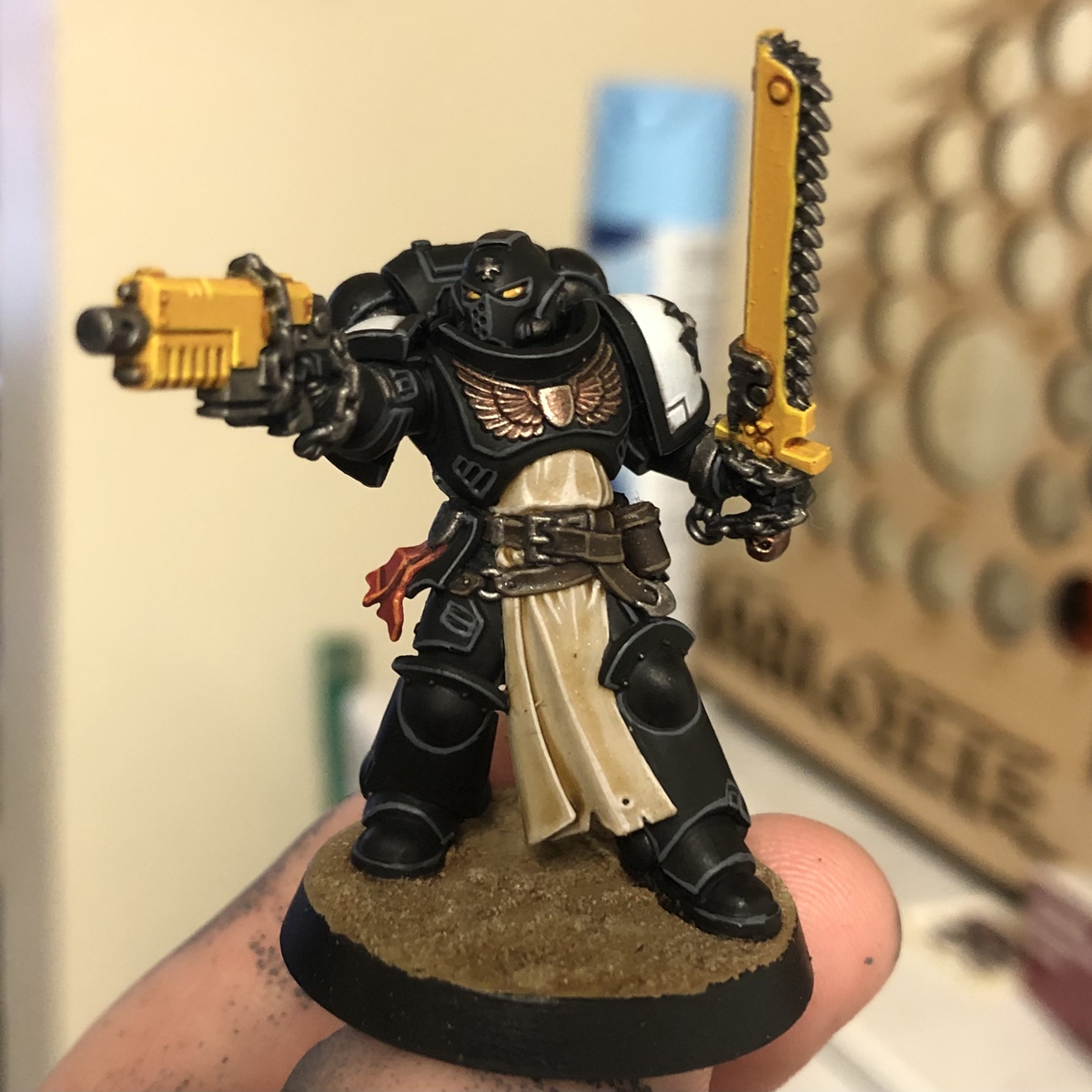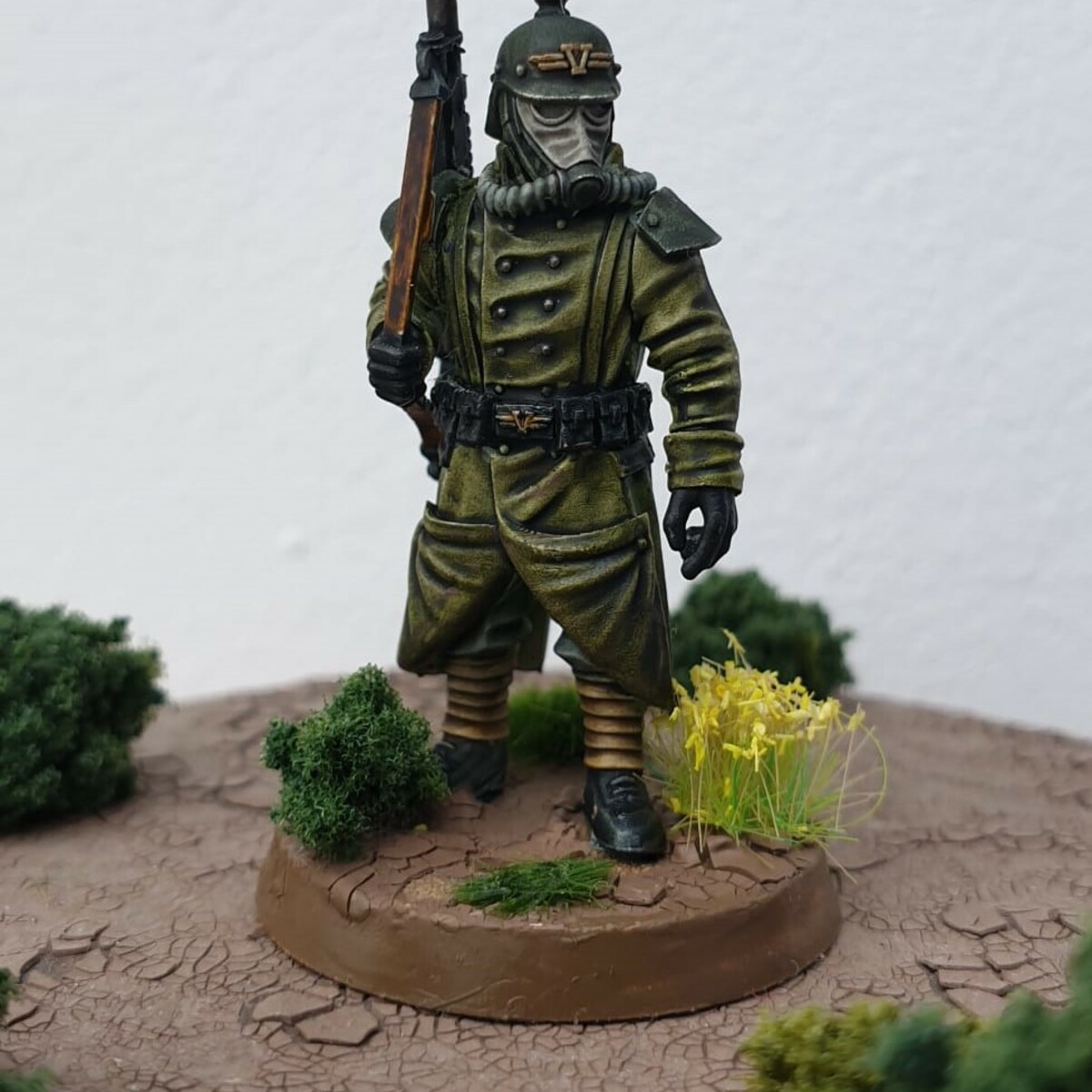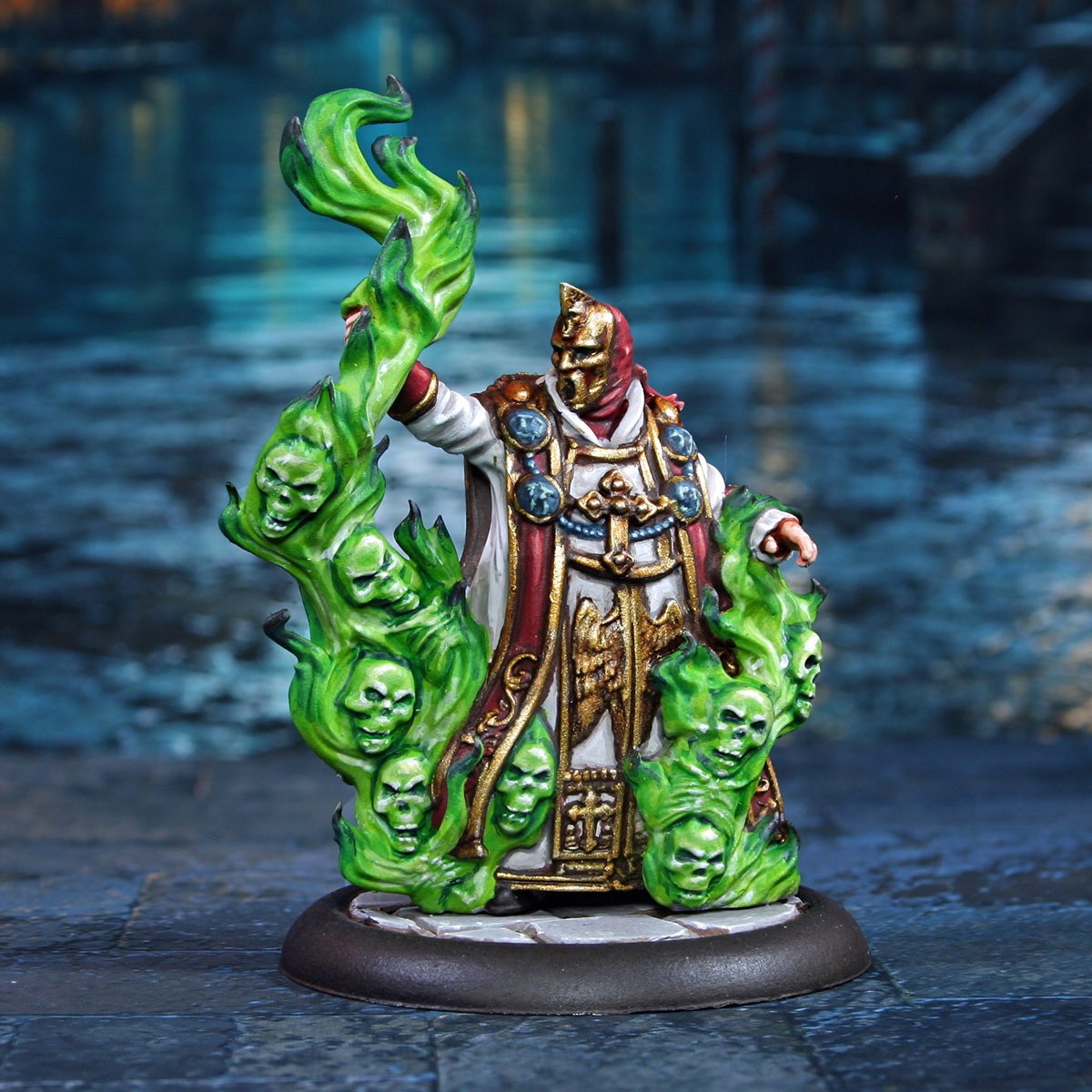

How to paint this miniature from the TTCombat game "Carnevale". This model is from the Vatican faction.
White Cloth
- Basecoat with Corax White .
- Shade with some thinned Administratum Grey .
- Enhance the shading with smaller amounts of Dawnstone .
- Use thin lines of Eshin Grey to sperate the robes from other materials.
- Mix the Corax White 1:1 with some White and apply chunky highlights.
- Finish with thin highlights of pure White .
Red Cloth
- Basecoat with Khorne Red .
- Shade recesses with a thin mix of 1:1 Khorne Red and Incubi Darkness .
- Mix some Abaddon Black into the above paint and shade deep recesses.
- Add chunky highlights of Wazdakka Red . I did these as a series of thin lines to give the impression of texture on folds.
- Apply fine highlights of Squig Orange within the previous stage.
- Selectively highlight with 1:1 Squig Orange and Pallid Wych Flesh .
Green Flames
- Basecoat with Moot Green .
- Glaze Warpstone Glow towards the tip of the flames, covering about half of them from the source of the flame.
- Repeat with Incubi Darkness , just glazing the tips of the flames, furthest from the heat.
- Mix your Incubi Darkness 1:1 with Abaddon Black and selectively highlight the tips of the flames.
- Finish the dark parts of the flames with specular highlights of Dawnstone at the tip.
- Shade the lowest recesses of the flames with 1:1 Moot Green and Ice Yellow .
- More selectively shade the deepest parts of the flames with Ice Yellow .
- Finish with specular highlights of White .
I approached the skulls within the flames slightly differently. Shading the Moot Green with the same Warpstone Glow and Incubi Darkness from earlier. I then highlighted them by mixing Screaming Skull into Moot Green , then pure Screaming Skull , before mixing White into it gradually for very pronounced details.
Living Necklace
- Basecoat with Stegadon Scale Green .
- Mix some Black into the Stegadon Scale Green to shade the details on the faces.
- Gradually mix Ice Yellow into your Stegadon Scale Green and highlight the faces. Do this in multiple passes until you are finishing them with specular highlights of almost pure Ice Yellow .
- repeat for the beads, but mix White into the Stegadon Scale Green instead.
Gold Details
- Basecoat everything with Rhinox Hide .
- Now pick out raised details with Retributor Armour . In large flat areas, consider easing the trasition with 1:1 Rhinox Hide and Retributor Armour first.
- Gradually mix Silver RLM01 Metallic into your Retributor Armour and highlight gold. Do this in multiple passes until you are finishing them with specular highlights of almost pure Silver .
If the gold looks a little dull, consider glazes of a warm paint in recesses and downward facing areas. Consider paints like Reikland Fleshshade , Doombull Brown or Gore-grunta Fur for this.

Rookie Brushes
RookieBrushes
Aspiring miniature painter and biscuit enthusiast. Here to share my hobby and help where I can.
Citadel Painting System 19
Base 7
- Abaddon Black
- Corax White
- Incubi Darkness
- Khorne Red
- Retributor Armour
- Rhinox Hide
- Stegadon Scale Green
Shade 1
- Reikland Fleshshade
Layer 10
- Administratum Grey
- Dawnstone
- Doombull Brown
- Eshin Grey
- Moot Green
- Pallid Wych Flesh
- Screaming Skull
- Squig Orange
- Warpstone Glow
- Wazdakka Red
Contrast 1
- Gore-grunta Fur
Vallejo Model Air
Base 1
- 71.063 Silver RLM01 Metallic